Components
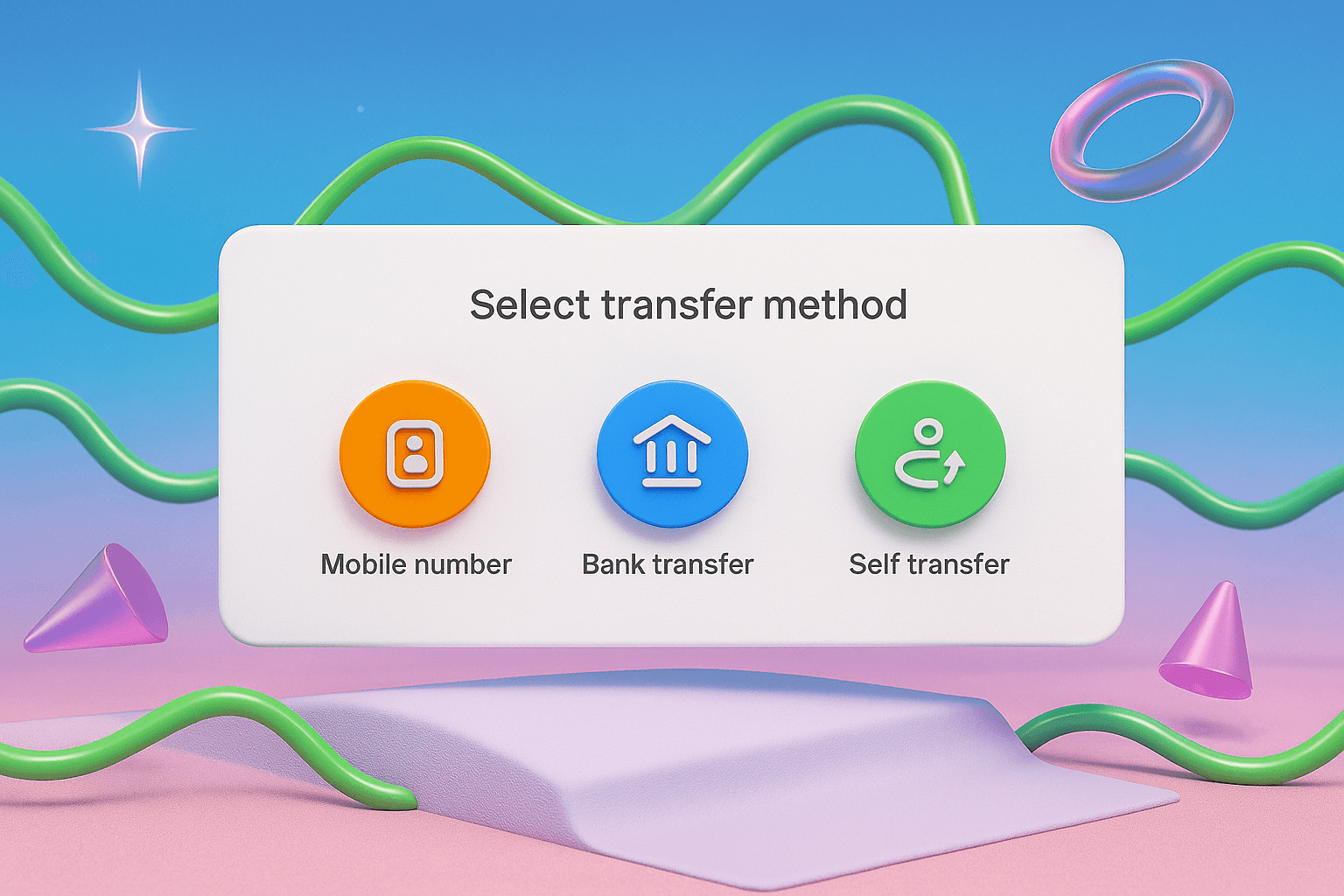
Use a circular button to represent an icon-based action — ideal for dense interfaces or when showing multiple related actions. Labels can be used alongside (not inside) to provide clarity.
Anatomy
A circular button consists of a styled container (A) with a centered icon (B), and a label below (C) for added clarity.

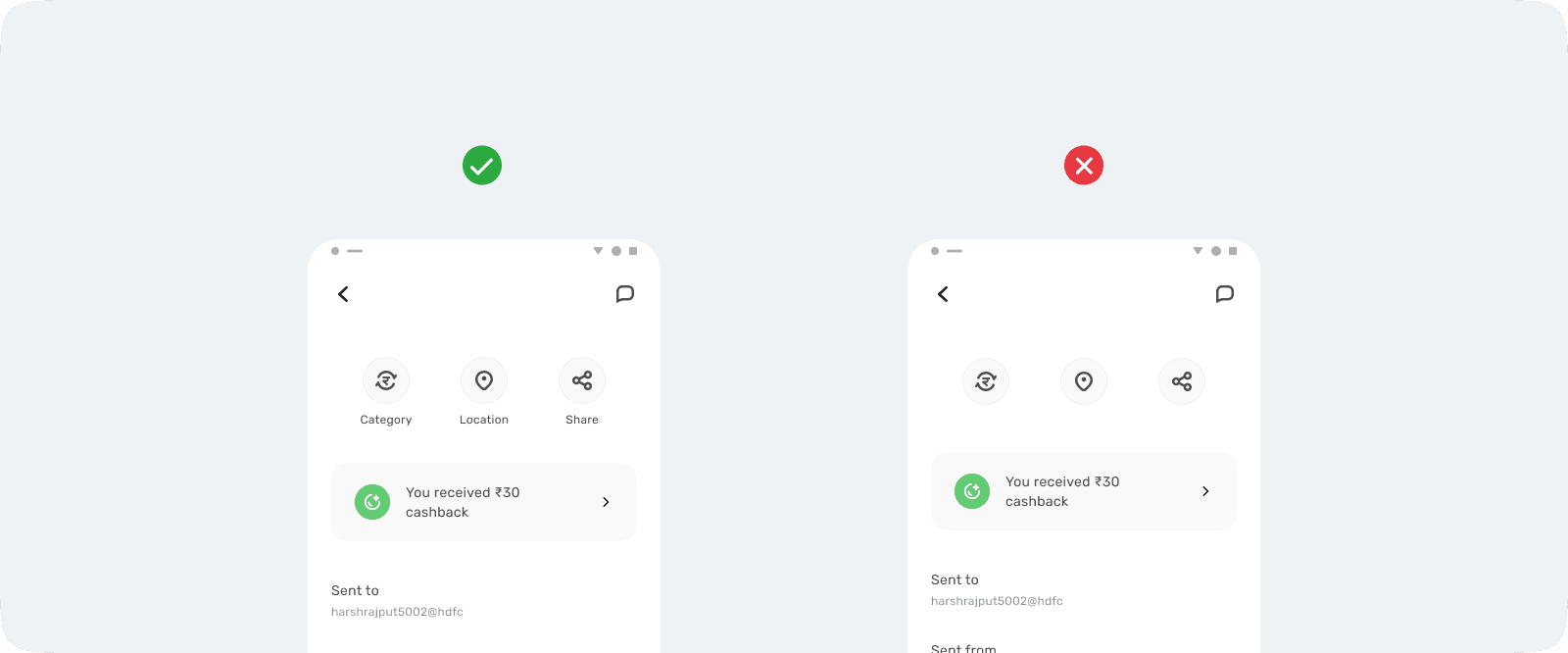
Label
Labels should be placed below the button to describe the action.
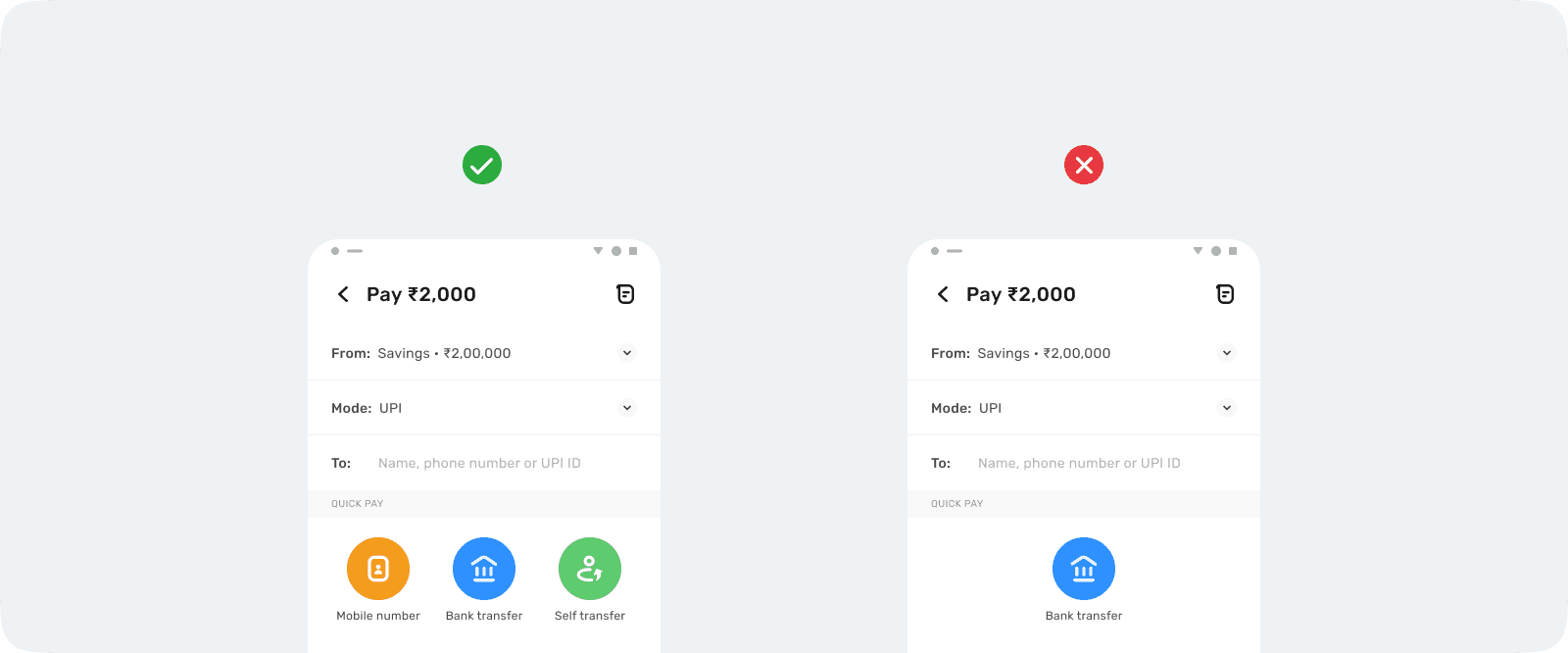
Grouping
Avoid using a single circular button in isolation; group action with same hierarchy.
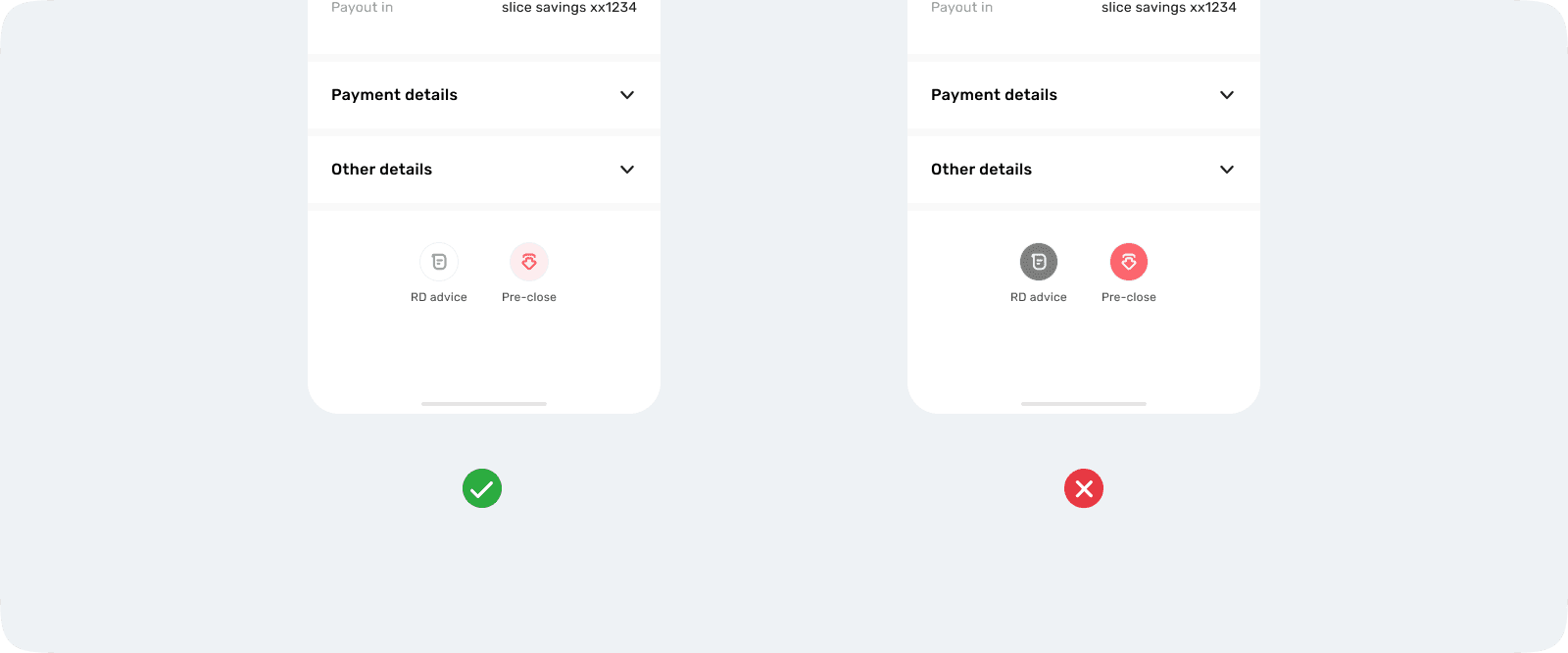
Visual priority
Select the button type based on the action’s intent and visual balance.
If there is a primary action on the page, use a subtle style for circular buttons.
If not, choose bold or subtle based on visual weight and emphasis.